Skip to content

Free WordPress plugin · Paid Roku Launch Kit

Turn Your Content Into a Streaming Business You Own

MediaBlaster helps creators and media companies organize and distribute their content through branded streaming experiences—without the cost of starting from scratch. Start free in WordPress, then launch on Roku with the Launch Kit when you are ready.

See the WordPress-to-Roku workflow

5-star feedback from the original WP Smart TV community

“WP Smart TV does all of the heavy lifting for you.” — redhat39

Source: WordPress.org plugin reviews. Reviews refer to the original WP Smart TV plugin.

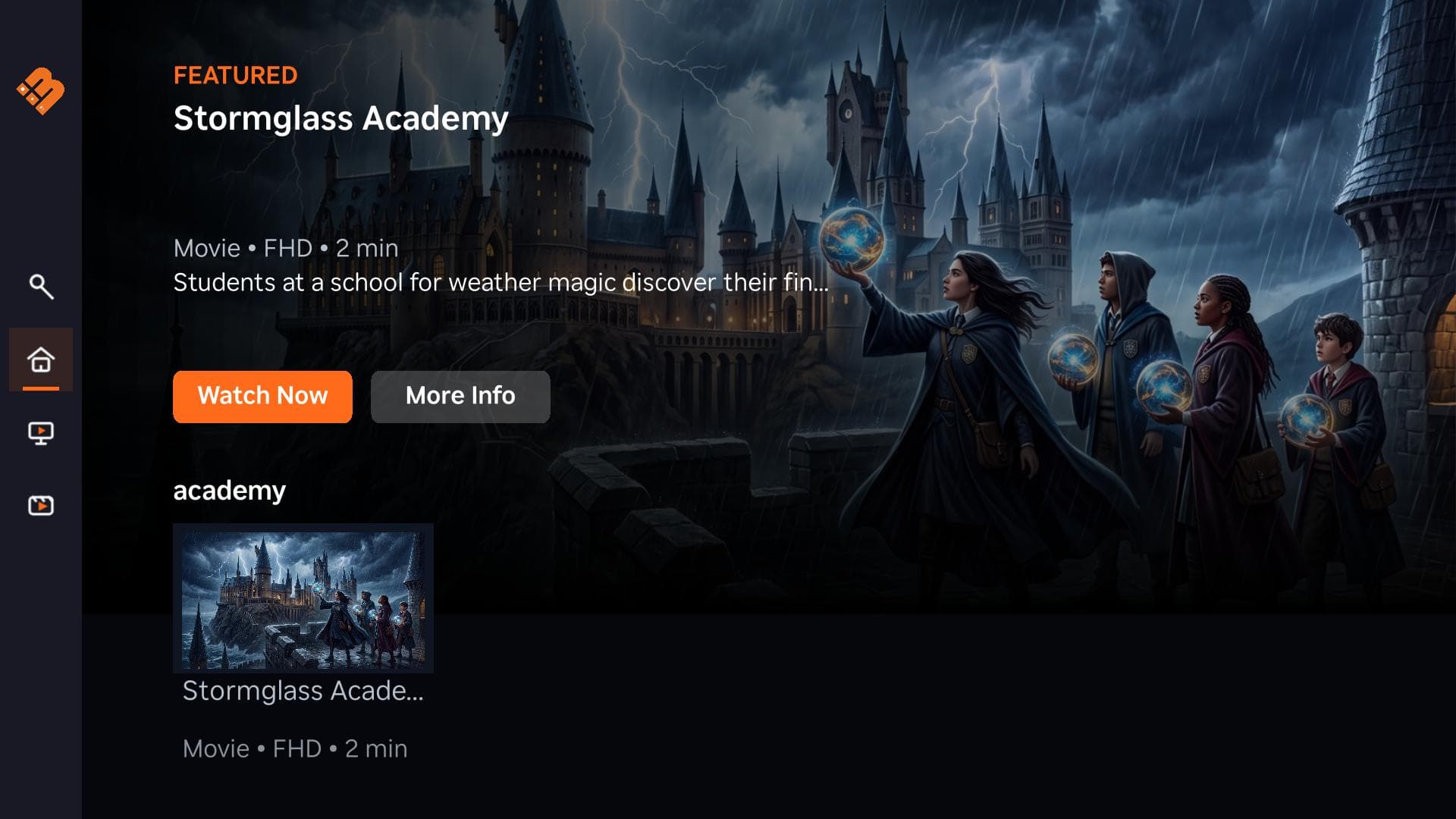
Roku channel homescreen built with MediaBlaster

Available now

Launch a branded Roku channel from your WordPress media library. Other app templates are planned.

  • Free WordPress plugin
  • Roku Launch Kit available now
  • WordPress-powered control
  • Not a hosted OTT lock-in

One Content Library. Your Brand. Every Screen.

Organize your media once in WordPress. MediaBlaster structures that content for branded viewing experiences, starting with Roku.

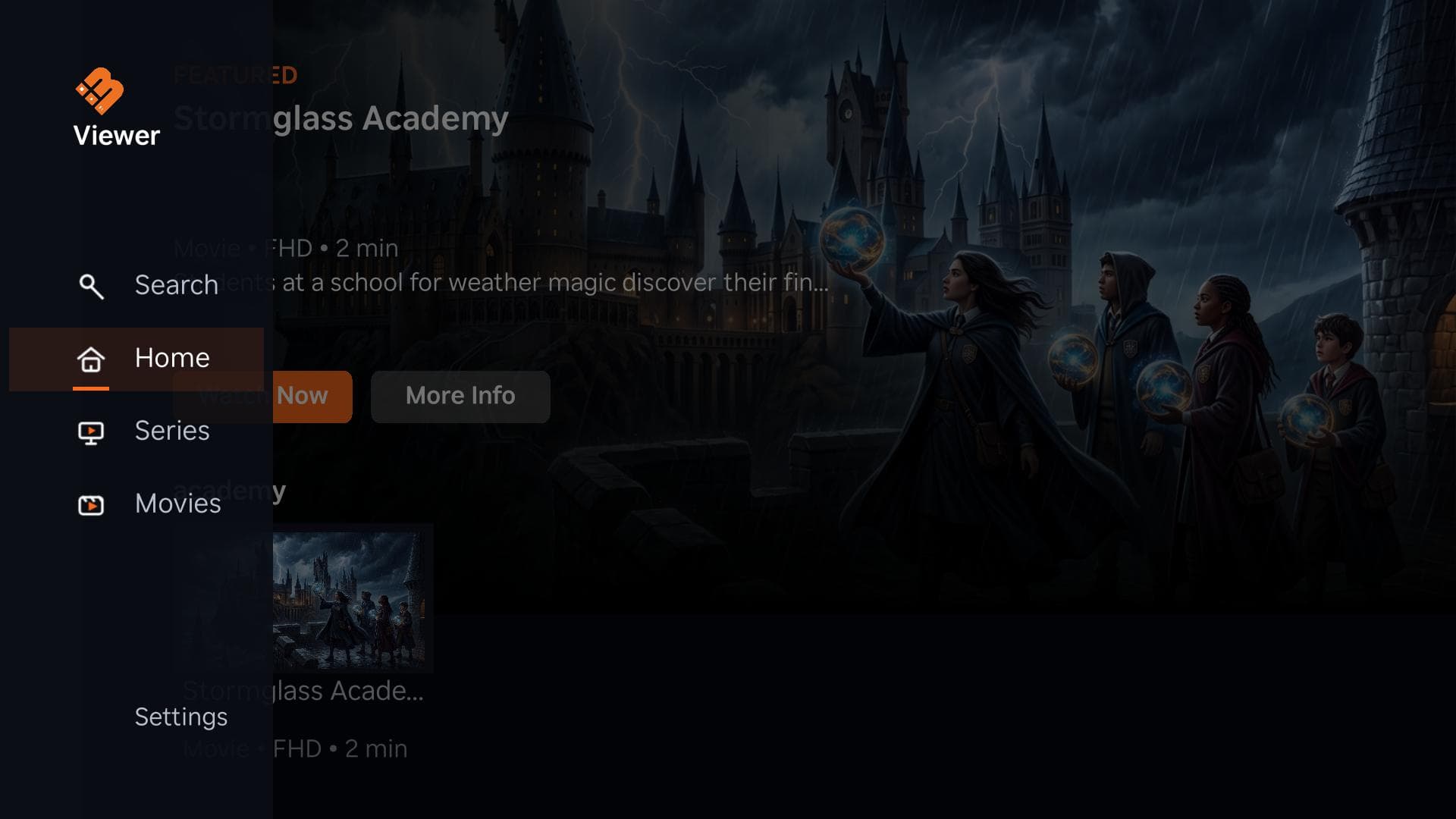
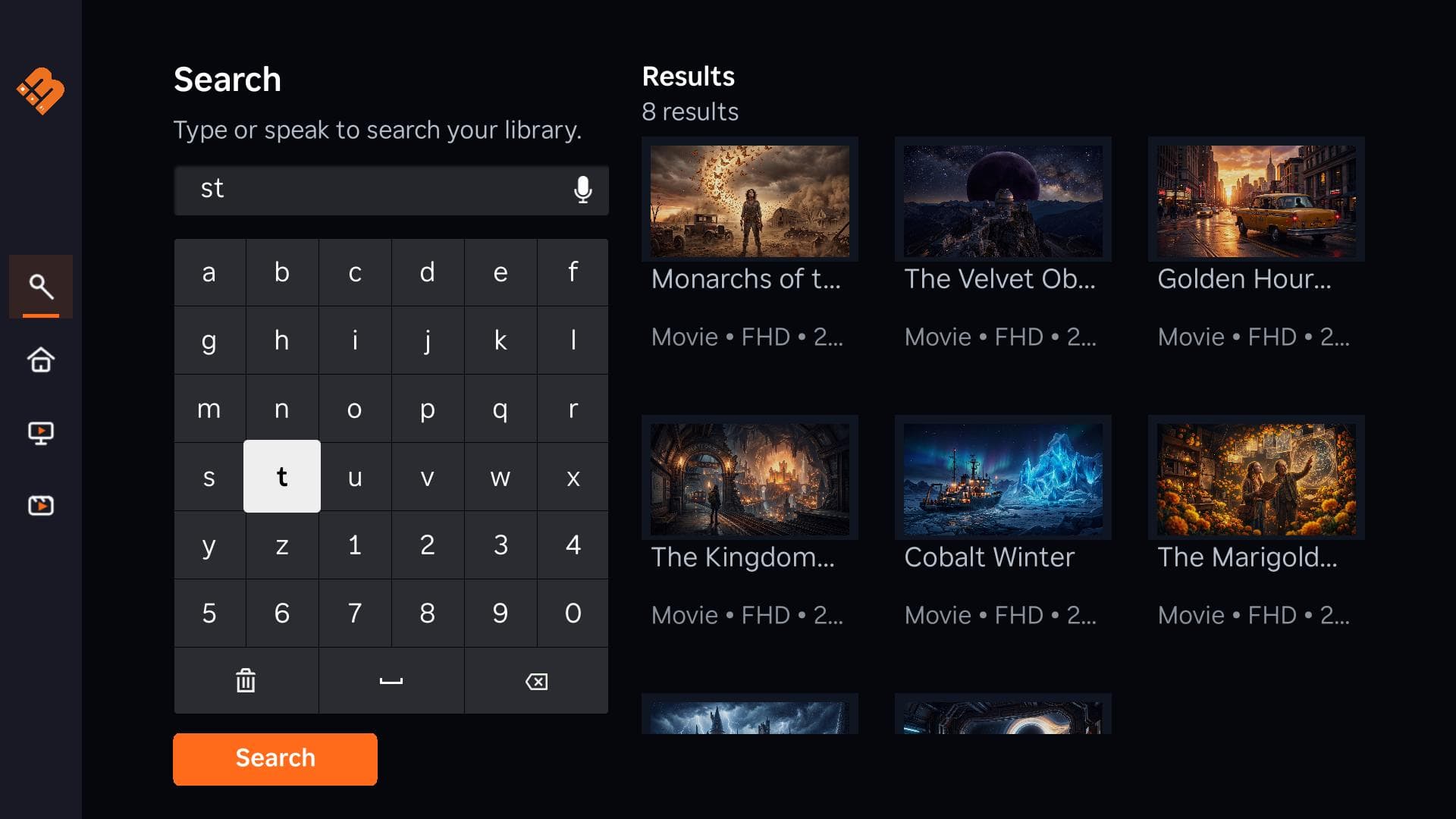
Branded Roku application homescreen powered by MediaBlaster

Available now: Roku

More app templates planned

  • Web appsPlanned
  • Mobile appsPlanned
  • Google TV / Android TVPlanned
  • Fire TVPlanned
  • Apple TVPlanned
  • Own Your Audience

    Build your brand and viewer relationship without depending entirely on another platform.

  • Avoid Custom-Development Costs

    Start from an existing media backend and app template instead of commissioning everything from zero.

  • Manage Everything in One Place

    Organize content, metadata, feeds, and connected app settings from WordPress.

From WordPress Library to Roku Channel

Start free, prepare your content, then launch on TV with the Roku Launch Kit when you are ready.

  1. 1

    Install the free plugin

    Add MediaBlaster to WordPress and enable the content types you need.

  2. 2

    Prepare your library

    Organize videos, series, podcasts, artwork, and metadata in one place.

  3. 3

    Get the Roku Launch Kit

    Download the Roku app template and connect it to your MediaBlaster library.

  4. 4

    Customize your channel

    Update branding, navigation, and content rows with the included setup guidance.

  5. 5

    Test and submit

    Package the app and submit it through your own Roku developer account.

Prefer the full walkthrough? See how it works or download the free plugin.

Own the stack behind your channel

MediaBlaster is a WordPress media backend plus app templates — not a hosted OTT platform that keeps your content and accounts locked in.

Hosted OTT platforms

  • Your channel often lives inside someone else's product
  • Ongoing platform fees and limited export options
  • Less control over the app source and backend

MediaBlaster approach

  • Content and settings stay in your WordPress site
  • One-time Launch Kit purchase; Premium Support is optional
  • You publish through your own Roku developer account

Compare the models in detail on hosted OTT vs source code.

Choose Your Path

Whether you are launching your own channel, building for clients, or starting with the free plugin, MediaBlaster meets you where you are.

  • Creators

    Build your own branded channel, connect with viewers, and create new revenue opportunities.

  • Agencies

    Use a repeatable WordPress and app-template system to build streaming channels for clients.

  • Start Free

    Install the MediaBlaster WordPress plugin and begin organizing your content library.

Ready for the big screen

Ready to Launch on TV? Start with Roku.

The MediaBlaster Roku Launch Kit gives you the template, training, and tools to turn your WordPress content library into a branded Roku channel.

Not included in the Launch Kit

  • Subscriptions
  • Live TV
  • EPG
  • Advanced ad monetization
  • Done-for-you setup
  • Custom development services

Full scope and fit details are on the Roku Launch Kit page.

MediaBlaster Roku channel homescreen
Roku channel homescreen built with MediaBlaster

Free Course: Create Content for Your Streaming Channel Using AI

Plan your channel and start building a content library viewers will want to watch.

Free access • Skool membership approval required. Approvals are usually completed within a few minutes, but can take longer if the notification is missed.